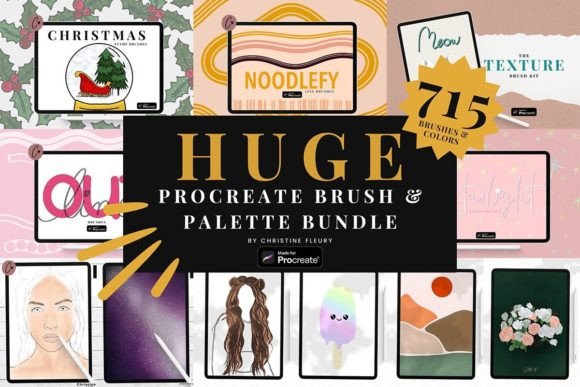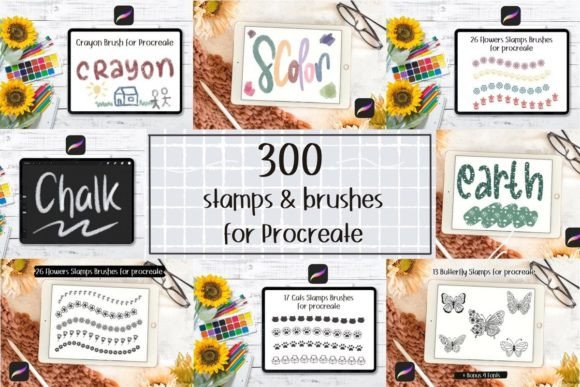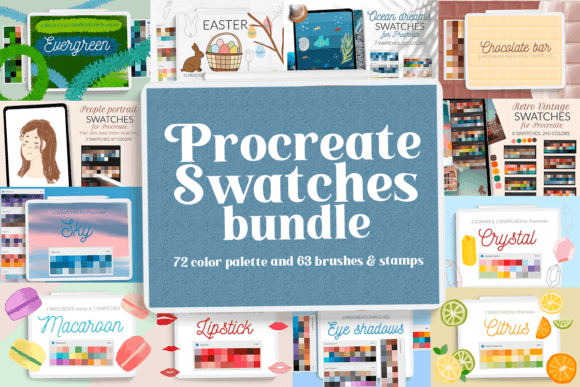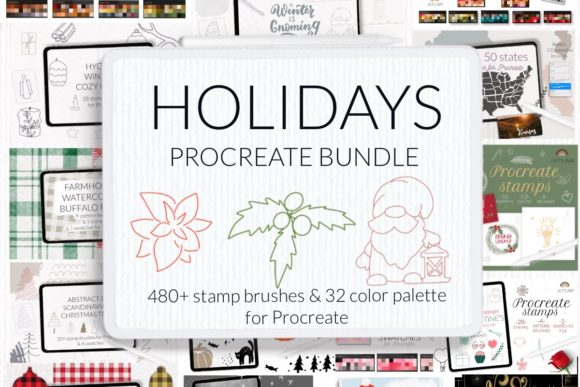
Procreate Brush and Color Palette Bundle
Digital illustration on the iPad has evolved from a niche hobby into a robust professional workflow, yet the barrier to entry often remains the technical setup. For many artists, the initial hours spent configuring tools can stifle creativity before it even begins. This is where a curated Procreate Brush and Color Palette Bundle becomes more than just a digital product; it serves as a foundational toolkit that streamlines the creative process. By providing immediate access to specialized tools and harmonized colors, such bundles allow users to bypass the trial-and-error phase of tool creation and focus directly on artistic expression.
Understanding the Toolkit
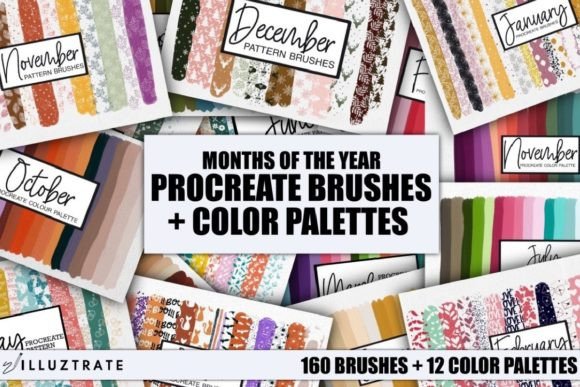
At its core, this specific collection offers a comprehensive suite of digital assets designed exclusively for the Procreate application. The bundle includes 160 distinct brushes, organized into 12 manageable files for easy navigation within the brush library. What sets this collection apart is the dual-format delivery: each brush is provided in both a filled and a transparent version. This distinction is crucial for versatility. The filled versions are ideal for bold, opaque strokes, while the transparent variants allow for layering, texture building, and subtle shading effects without overwhelming the underlying artwork.
Complementing the brushes are 12 carefully crafted color palettes. Color theory can be a daunting subject for many, requiring an understanding of harmony, contrast, and mood. These pre-selected palettes remove the guesswork, offering ready-made combinations that ensure visual cohesion. Whether you are aiming for muted earth tones, vibrant neon contrasts, or soft pastels, having these palettes imported and ready to use means you can start painting with confidence immediately after download.
Why Beginners Benefit from Structure
For those new to digital art, the interface of Procreate can feel overwhelming. There are countless settings for stabilization, streamline, pressure sensitivity, and grain. A beginner often lacks the experience to know which settings produce specific effects. By using a Procreate Brush and Color Palette Bundle, novices gain access to professional-grade tools without needing to understand the complex engineering behind them.
The practical value here is speed and encouragement. When a new user selects a brush and it behaves predictably and beautifully, it reduces frustration. The included color palettes further aid learning by demonstrating how colors work together in practice. Instead of struggling to mix a pleasing shade of green, a beginner can select a pre-harmonized palette and focus on brush control and composition. This lowers the cognitive load, allowing the learner to enjoy the process rather than getting bogged down in technical adjustments.
Efficiency for Professionals and Freelancers
Experienced illustrators, concept artists, and freelance designers operate under tight deadlines. For this audience, time is money. Creating custom brushes from scratch is a valid part of the creative process, but it is not always efficient when working on client projects with strict turnaround times. A high-quality bundle acts as a force multiplier.
Professionals may use these 160 brushes as a starting point, tweaking them slightly to fit a specific project brief, or they may use them directly for rapid prototyping. The pattern brushes, in particular, are invaluable for creating backgrounds, textiles, or decorative elements quickly. Instead of hand-painting every leaf or tile, a professional can use a pattern brush to establish the base texture and then paint over it with unique details. This hybrid approach maintains artistic integrity while significantly reducing production time.
Moreover, the organization of the bundle into 12 files respects the workflow of seasoned users who prefer categorized libraries. It prevents the "brush clutter" that can slow down decision-making during a live drawing session.
Commercial Viability for Small Business Owners
Entrepreneurs and small business owners who create their own marketing materials, product packaging, or social media content often lack dedicated design teams. They need tools that deliver polished results with minimal training. This bundle supports the creation of cohesive brand aesthetics. By using the same set of 12 color palettes across various designs, a business owner can maintain brand consistency without hiring a colorist.
For example, an Etsy seller creating digital planners or printable wall art can use the pattern brushes to add intricate borders and backgrounds that look hand-crafted but are produced efficiently. The cost-effectiveness of the bundle—priced at just 12 with an 82% saving—makes it a low-risk investment for businesses looking to elevate their visual output without significant overhead.
Educational and Hobbyist Applications
Educators teaching digital art courses can utilize this bundle as a standardized resource for their students. When every student uses the same set of brushes and palettes, the instructor can provide more targeted feedback. Instead of troubleshooting why a student’s custom brush isn’t working, the teacher can focus on technique, composition, and color application. It creates a level playing field that enhances the learning environment.
Hobbyists, on the other hand, often seek relaxation and joy in their creative pursuits. The therapeutic aspect of digital painting is heightened when the tools are responsive and enjoyable to use. The variety within the 160 brushes ensures that a hobbyist can experiment with different styles—from watercolor simulations to sharp ink lines—without leaving the app. The transparency options in the brushes allow for gentle layering, which is particularly satisfying for those who enjoy meditative, repetitive drawing practices like zentangle or mandala creation.
Evaluating Fit for Your Needs
Before acquiring any digital asset, it is essential to assess whether it aligns with your current workflow and goals. Consider the following factors:
- Skill Level: If you are a beginner, look for bundles that offer ease of use and educational value through pre-set harmonies. If you are advanced, evaluate whether the brushes offer enough customization potential or unique textures that you cannot easily create yourself.
- Project Type: Do you primarily create character illustrations, landscapes, or graphic design elements? Pattern brushes are exceptionally useful for surface design and backgrounds, while standard textured brushes are better for organic subjects.
- Workflow Integration: Ensure the file format is compatible with your version of Procreate. This bundle is designed for direct import to the iPad, ensuring a seamless integration into your existing library.
- Budget and Value: With 160 brushes and 12 palettes available at a discounted rate, the cost-per-asset is minimal. For freelancers, this cost can be recouped with a single small project. For hobbyists, it represents a long-term resource that does not expire.
The flexibility of having both filled and transparent versions of each brush adds a layer of depth that appeals to a wide range of users. It allows for experimentation without the need for duplicate purchases. You can test a brush in its opaque form for impact, then switch to the transparent version for subtlety, all within the same stroke family.
Final Thoughts on Digital Toolkits
In the rapidly expanding world of digital art, tools should serve the artist, not hinder them. A well-curated Procreate Brush and Color Palette Bundle bridges the gap between technical capability and artistic vision. It provides the structure needed for beginners to learn, the efficiency required by professionals to meet deadlines, and the inspiration sought by hobbyists to keep creating. By offering a diverse array of 160 brushes and 12 cohesive palettes, this collection supports a variety of artistic intents, from commercial design to personal expression. Ultimately, the value lies not just in the number of assets, but in how they empower you to bring your ideas to life with greater ease and confidence.